
Call & SMS Monitoring Guide (2026)
Call and SMS monitoring lets parents see who their child calls and texts, when, for how long — and read the actual message content. It’s the oldest phone-monitoring feature and still one of the most useful: while social apps come and go, every kid still gets plain text messages, and every phone still makes calls.
✅ Quick Verdict
Best call & SMS monitoring: mSpy. Complete call logs with durations, full SMS/iMessage threads including deleted recovery, and contact flagging. From ~$11.67/mo annual, 14-day money-back guarantee.
This guide covers what call monitoring shows (logs vs recordings), what SMS monitoring captures (including the truth about deleted texts), how iPhone and Android differ, and which apps do it best — plus the honest limitations nobody advertises.
What Call Monitoring Actually Shows
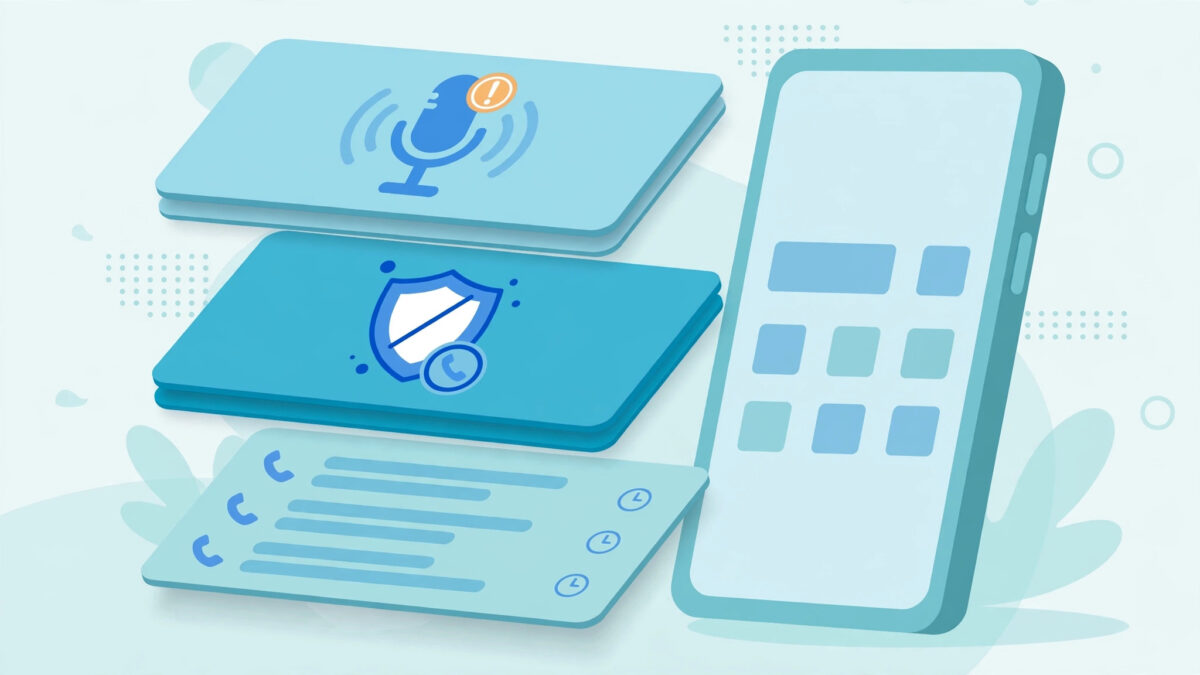
Let’s separate the three layers, because vendors blur them deliberately.
Call Logs: The Foundation
Every monitoring app captures call logs: the phone number, contact name (if saved), date, time, duration, and direction (incoming/outgoing/missed). This is reliable, lightweight, and available on both Android and iPhone (via iCloud on iPhone).
Call logs answer the most important parenting questions without any invasiveness: Who is calling my 12-year-old at 11pm? Why are there 40 calls to an unsaved number this week? For many families, logs alone — no content, no recordings — are the right balance. You see the pattern; you ask about the pattern.
Blocked and Flagged Contacts
The useful companion feature: most apps let you block numbers remotely from your dashboard or flag contacts for alerts. Unknown number calling repeatedly? Block it from your couch. Want to know whenever a specific number calls? Set a flag and get notified. This turns passive logs into active protection.
Call Recording: The Honest Truth
Here’s where honesty matters. Call recording on modern smartphones is severely limited, and anyone selling it as a seamless feature is overselling:
- Android: Google has progressively locked down call recording — since Android 9+, the official APIs are restricted, and since Android 10+, third-party call recording is effectively blocked at the OS level on most devices. Some monitoring apps capture calls via workarounds (speakerphone + microphone, accessibility-based), but reliability varies wildly by phone model and OS version. Treat “call recording” claims with deep skepticism and test during any trial period.
- iPhone: No call recording without jailbreak. Apple’s sandbox doesn’t allow it, full stop. iPhone monitoring apps don’t offer it; if one claims to, walk away.
- What works instead: detailed call logs (who, when, how long) are rock-solid on both platforms. For content, you’re better served by message monitoring — most meaningful teen communication is text anyway.
Our recommendation: buy for call logs, treat any recording as a bonus that may or may not work on your specific device. Never choose an app primarily for call recording.
When Call & SMS Monitoring Isn’t Enough: The Social App Gap

Here’s the uncomfortable truth about 2026 teen communication: plain SMS is the smallest part of it. Your teen’s real social life runs on WhatsApp, Snapchat, Instagram DMs, and TikTok messages — none of which appear in the SMS module. Parents who set up call/SMS monitoring and declare the job done are watching the lobby while the party happens upstairs.
Where Teens Actually Talk Now
Rough age-band breakdown from industry usage data and our own parent surveys:
- Under 12: SMS/iMessage still dominant (friends don’t all have social accounts yet). Call/SMS monitoring covers most of it.
- 13–15: the split — SMS for family and logistics, Snapchat/Instagram for friends. You need both modules.
- 16+: SMS is basically voicemail — used for 2FA codes, parents, and school. Everything social is in apps.
This doesn’t make call/SMS monitoring useless — it makes it foundational. The SMS module catches the family-logistics layer, the unknown-number layer, and the late-night-caller layer. But budget for the social monitoring modules too if your kids are 13+.
How the Modules Work Together
In a good dashboard, the modules are cross-linked, not siloed. A contact flagged in call logs should surface their WhatsApp thread one click away. When evaluating apps, check this specifically: can you pivot from “unknown number called 12 times” to “here’s the WhatsApp conversation with that contact”? mSpy and Eyezy both handle this well; weaker apps make you hunt across disconnected tabs.
The “Just Check Their Phone” Alternative
Some parents skip monitoring apps for call/SMS and just periodically check the phone physically. Honest assessment: it works for young kids, and it’s free. But it doesn’t scale — you see a snapshot, not patterns; you can’t check at 2am without waking them; and deleted content is gone before you look. The app’s value isn’t access (you have the phone) — it’s continuity: every message, timestamped, searchable, forever. That’s what turns anecdotes into understanding.
👉 Best Call & SMS Monitoring: mSpy
Complete call logs, full message threads, deleted SMS recovery, and contact blocking — the deepest call/SMS feature set we tested. 14-day money-back guarantee.
What SMS Monitoring Captures
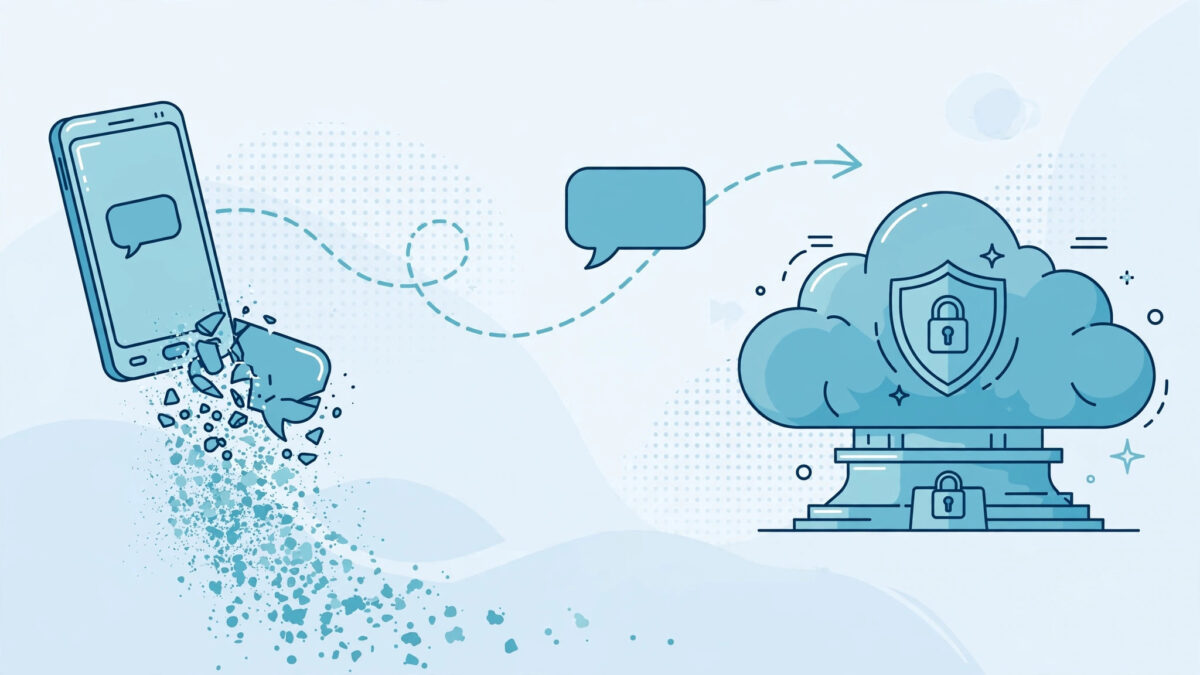
SMS (and iMessage) monitoring is more mature and more reliable than call recording. Here’s the full picture.
Message Content and Threads
Good apps show complete conversation threads — incoming and outgoing, in order, with timestamps and contact names — mirroring what you’d see on the phone itself. This includes:
- SMS and MMS. Text plus picture/video messages (MMS attachments are viewable in better apps).
- iMessage. On iPhone via iCloud, iMessages appear alongside SMS in the same thread view.
- Timestamps and read state. When each message was sent/received.
Deleted SMS: What’s Recoverable
The most-asked question in this category. The truth has two parts:
- Messages deleted after syncing are still in your dashboard. Monitoring apps upload messages continuously; once a message reaches your parent dashboard, deleting it from the phone doesn’t delete your copy. This is the main “deleted SMS” scenario and it works reliably.
- Messages deleted before the next sync may be missed. If your teen receives a text and deletes it within seconds — before the app’s next upload cycle — it might never reach the dashboard. This is where a keylogger (capturing keystrokes as typed) fills the gap: it sees the outgoing side even if deleted instantly. Our keylogger guide explains the pairing.
Some apps (Spynger notably) add dedicated deleted-message recovery that digs deeper into app databases. It’s genuinely useful but not magic — recovery depends on timing and the specific app.
What SMS Monitoring Can’t Do
- Messages in encrypted apps (WhatsApp, Signal, Telegram) are not SMS — they’re data messages captured by separate social-media monitoring modules, not the SMS module. Don’t expect your SMS feed to include WhatsApp.
- Texts sent before you installed the app are generally not recoverable. Monitoring starts at installation (iPhone iCloud backup restore can sometimes pull older messages — a partial exception).
- Carrier-level blocking of premium/short-code numbers is a carrier feature, not an app feature — call your carrier for that.
iPhone vs Android: Call & SMS Differences

| Capability | Android | iPhone (no jailbreak) |
|---|---|---|
| Call logs | ✅ Full, real-time | ✅ Via iCloud sync |
| SMS content | ✅ Full threads | ✅ Via iCloud (SMS + iMessage) |
| MMS attachments | ✅ | ✅ Via iCloud |
| Deleted SMS recovery | ✅ Good | ⚠️ Partial (backup-dependent) |
| Call recording | ⚠️ Unreliable (OS limits) | ❌ Not available |
| Contact blocking | ✅ Remote block | ⚠️ Limited |
Android is the stronger platform for call/SMS monitoring: direct on-device access means faster syncing and better deleted-message recovery. Setup needs the standard permissions plus notification access on some apps.
iPhone works entirely through iCloud: the app reads messages and call history from iCloud backups/sync. This means no jailbreak and nothing installed on the phone — but syncing depends on iCloud backup frequency, and you’ll need the child’s Apple ID credentials plus one-time 2FA approval. Our iCloud setup guide walks through it, including what to do when 2FA codes go to the child’s device.
Best Apps for Call & SMS Monitoring in 2026
We tested call logs, message threads, MMS, deleted-message handling, and contact blocking across the leading apps.
| App | Call Logs | SMS/iMessage | Deleted Recovery | Contact Blocking | From (annual) |
|---|---|---|---|---|---|
| mSpy | ✅ Detailed | ✅ Full threads + MMS | ✅ Strong | ✅ | ~$11.67/mo |
| Eyezy | ✅ Detailed | ✅ Full threads | ✅ Good | ✅ | ~$9.99/mo |
| Spynger | ✅ | ✅ + recovery focus | ✅ Strongest | ✅ | Varies |
| Parentaler | ✅ | ✅ Clean threads | ✅ Good | ✅ | ~$10.17/mo |
| uMobix | ✅ | ✅ | ✅ Good | ✅ | Varies |
mSpy — Best Overall for Call & SMS
The deepest implementation we tested: call logs with per-contact analytics (who calls most, when), full SMS/iMessage/MMS threads, the strongest deleted-message recovery on Android, and remote contact blocking from the dashboard. The “top contacts” view alone answers “who is this new number?” faster than scrolling logs. Two honest cons: premium price, and call recording (like everyone’s) is unreliable on modern Android — buy for logs, not recording. Read our full mSpy review.
Eyezy — Best Value
Covers every essential — detailed logs, full threads, MMS, good deleted recovery, blocking — at ~$9.99/mo annual. In our tests the SMS experience was essentially identical to mSpy’s; differences show up in analytics polish and iPhone deleted-recovery depth. The value pick, full stop. Read our full Eyezy review.
💰 Best Value: Eyezy
Full call logs, complete SMS/iMessage threads, and contact blocking — everything most parents need — for less.
Spynger — Best for Deleted Messages
If recovering deleted texts is your specific priority, Spynger’s deleted-content engine is the most aggressive we tested — it digs into app databases beyond what standard sync captures. Pair it with its keylogger and you have both directions of deletion covered. Read our full Spynger review.
Parentaler & uMobix — Read the Reviews
Parentaler offers clean, parent-friendly call/SMS monitoring with good blocking tools — best if you want the features without the spy-app aesthetic. uMobix is solid on Android with reliable logs and threads. Parentaler review · uMobix review.
How to Set Up Call & SMS Monitoring
On Android (10 minutes)
- Install the monitoring app per the vendor’s guide — our Android install walkthrough covers every screen.
- Grant SMS and Phone permissions when prompted (they’re requested explicitly — this isn’t hidden).
- Grant Notification access if the app asks — some apps use it for faster message syncing.
- Exempt from battery optimization so syncing doesn’t stall overnight.
- Send a test text to the phone, then check your dashboard — it should appear within minutes.
- Set up contact alerts for any numbers you want flagged going forward.
On iPhone (via iCloud, no install)
- Enter the child’s Apple ID in your parent dashboard.
- Approve the 2FA prompt — the code goes to the child’s trusted devices, so do this with their knowledge (or at a moment you have access).
- Enable iCloud sync for Messages on the child’s phone (Settings → Apple ID → iCloud → Messages ON).
- Wait for the first sync — the initial pull can take 30 minutes to a few hours for a large message history.
- Verify — check that recent threads appear, then set a calendar reminder to glance weekly.
The 2FA step is where most iPhone setups stumble — our iCloud setup guide has the workarounds for every 2FA scenario.
Reading the Signals: What Patterns Actually Matter

Raw logs are noise; patterns are signal. Here’s what experienced parents watch:
- The unknown-number pattern. One unknown number, many short calls, late hours — that’s worth a conversation. A single call from an unknown number is nothing.
- The volume spike. A contact that goes from occasional to 50 messages a day indicates something changed — could be a new friendship, could be drama, could be romance. The content (which you can read) tells you which.
- The deleted-thread gap. A conversation thread with suspicious time gaps — messages at 9pm, then nothing until 11pm, but the keylogger shows typing at 10 — suggests deletion. Don’t accuse; ask.
- The late-night window. Consistent messaging past midnight on school nights is a sleep and wellbeing issue regardless of content. This is often the most actionable finding in the whole feed.
- Short-code and premium numbers. Unexpected texts from 5-digit numbers can mean premium subscriptions or verification codes for accounts you don’t know about. Worth one question.
And the meta-pattern: a sudden change in communication behavior — a chatty kid going quiet, or a quiet kid exploding in volume — matters more than any single message. You’re looking for deltas, not snapshots.
The Privacy Balance: How Much Reading Is Too Much?
Call logs are low-invasion (metadata, not content). Reading every text is high-invasion. Most families land somewhere in between, and where you land should shift with age:
- Under 12: read freely. They’re not ready for private correspondence, and the risks are asymmetric.
- 13–15: logs always, content on cause. Read threads when a pattern worries you, not as a nightly ritual.
- 16+: logs and spot-checks, with explicit agreement. “I won’t read every text, but I will check who’s calling late” is a deal most teens accept.
Whatever the level, say it out loud. “I can see your call logs and messages” should never be a discovery. Our responsible monitoring guide has the full age-by-age framework.
🧭 Try It Risk-Free for 14 Days
mSpy’s money-back guarantee means you can verify call logs, message threads, and deleted recovery on your actual devices before committing.
Frequently Asked Questions
Final Verdict
Call logs plus SMS threads remain the backbone of parental phone monitoring: reliable on both platforms, low in battery cost, and proportionate — metadata always, content when warranted. mSpy offers the deepest implementation (analytics, deleted recovery, blocking), Eyezy matches the essentials for less, and Spynger leads on deleted-message recovery specifically.
Set it up, learn your child’s baseline patterns, and read for deltas rather than snapshots. The technology shows you the signals; the parenting decides what they mean.
👉 Our #1 Pick: mSpy
Detailed call logs, full SMS/iMessage/MMS threads, strongest deleted recovery, remote contact blocking — 14-day money-back guarantee.
