GPS Tracker for Kids: Location & Geofencing (2026)
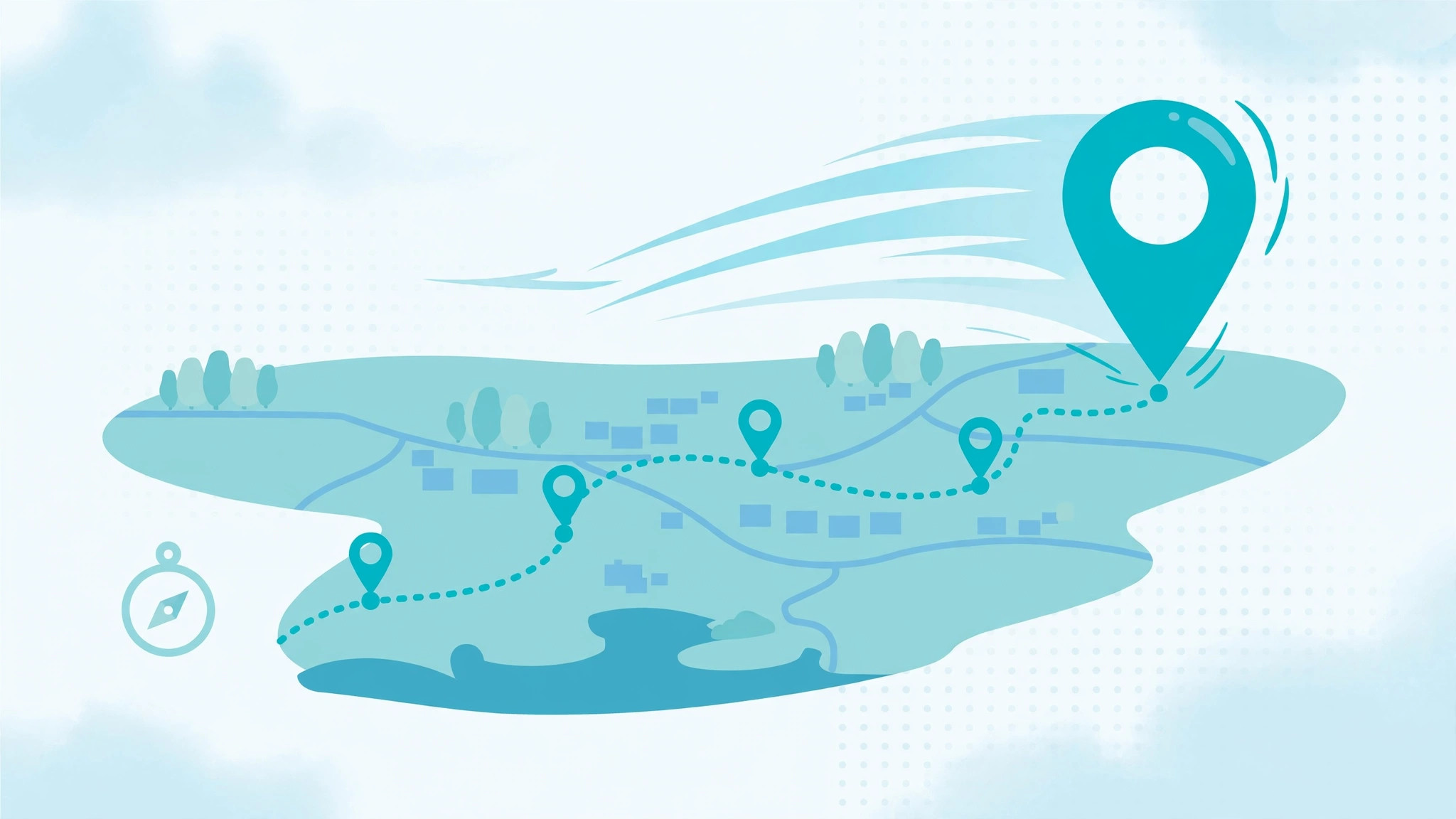
A GPS tracker for kids lets you see your child’s real-time location, review where they’ve been, and get automatic alerts when they arrive at or leave places like home and school. The easiest way to do it in 2026 is a parental monitoring app installed on your child’s phone — no extra hardware to buy, charge, or lose.
✅ Quick Verdict
Best all-round GPS tracking for kids: mSpy. Real-time location map, detailed location history, and geofencing with enter/leave alerts — all in one dashboard. From ~$11.67/mo on annual billing with a 14-day money-back guarantee.
If you just want the short answer: install a reputable monitoring app on your child’s phone, grant location permission once, and you’ll see them on a live map within minutes. Dedicated GPS gadgets (like AirTags or kid-specific trackers) work too, but they solve a narrower problem — we’ll compare both honestly below so you buy the right thing once.
What Is a GPS Tracker for Kids?
A GPS tracker for kids is any tool that reports a child’s geographic location to a parent. There are two fundamentally different kinds, and confusing them is the #1 mistake parents make:
Phone-based trackers are apps installed on your child’s smartphone. They use the phone’s built-in GPS chip to report location to your parent dashboard. Examples include mSpy, Eyezy, and Parentaler. Because the phone is always with your child (and always charged, hopefully), this is the most complete option — you get not just location but the full context around it.
Dedicated GPS gadgets are small physical devices — Apple AirTags, Jiobit, AngelSense, or kids’ GPS watches. They do one job: report location. No apps, no messages, no browsing history. They’re great for younger kids who don’t have phones yet, or as a backup.
For most parents of kids aged 8–16 with smartphones, a phone-based tracker wins on value. You already pay for the phone; the tracking is a software feature, not another gadget to maintain. The rest of this guide focuses on phone-based GPS tracking, with an honest comparison to dedicated devices later.
How Phone GPS Tracking Actually Works

You don’t need to understand satellite physics to use these apps, but a 60-second primer helps you set realistic expectations — and spot the scams.
The 30-Second Version
Your child’s phone has a GPS receiver that listens to signals from satellites orbiting Earth. By measuring tiny time differences between signals from multiple satellites, the phone calculates its position — usually within 5–20 meters outdoors. The tracking app reads this position and uploads it to the app’s servers every few minutes (or continuously in live mode). You open your parent dashboard and see a pin on a map.
That’s it. No magic, no “satellite hacking.” Any product claiming to track a phone with just its number — no app installed, no iCloud access — is lying. Apple’s and Google’s security models simply don’t allow it.
What Affects Accuracy
Real-world accuracy varies. Here’s what moves the needle:
- Open sky vs indoors. Outdoors with a clear sky view: 5–10 meters. Inside a concrete school building: 20–50 meters, sometimes worse. The phone falls back to Wi-Fi and cell-tower positioning indoors, which is coarser.
- Battery saver modes. This is the big one. When Android’s battery optimization or iPhone’s Low Power Mode kicks in, the phone reduces how often apps can wake up and report location. Updates may slow from every few minutes to every 15–30 minutes. During setup, exempt the tracking app from battery optimization — every reputable app’s install guide walks you through this.
- Airplane mode / powered off. No signal, no updates. The dashboard will show the last known location with a timestamp. Good apps flag clearly when data is stale so you’re never misled by an old pin.
- Urban canyons. Tall buildings reflect GPS signals, causing the pin to “drift” a block or two. Normal, not a malfunction.
Real-Time Location vs Location History
These are two separate features, and the distinction matters:
Real-time location is the live map — “where is my child right now?” Most apps refresh every few minutes; some offer a live-tracking mode that updates continuously for a session. Real-time is what you check when school pickup is running late.
Location history is the timeline — “where were they today?” The app logs timestamped positions throughout the day, so you can review the route: left home 8:05, arrived school 8:31, stopped at the park 15:40. History is arguably more useful day-to-day than live tracking, because it answers questions you didn’t think to ask in the moment.
The best apps give you both, plus the third pillar: geofencing.
The 3 Things a Good Kids’ GPS Tracker Must Do
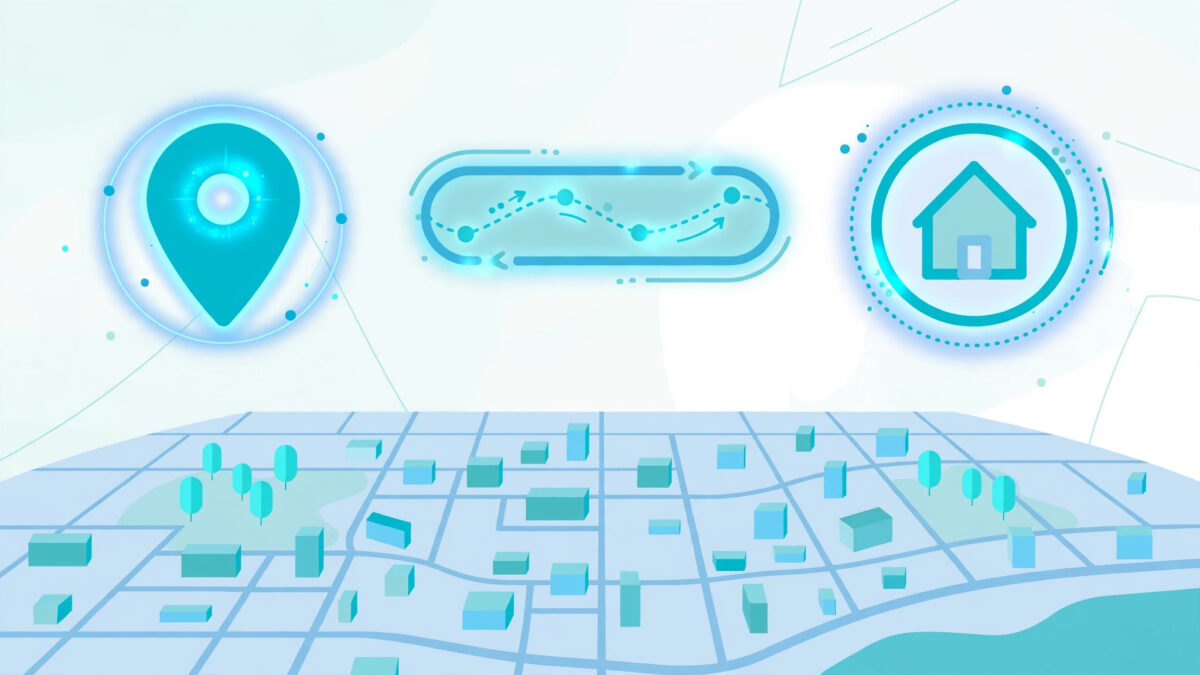
When you’re comparing options, ignore the marketing fluff and check for these three capabilities. If an app is missing any of them, keep shopping.
1. Real-Time Location Map
You should see your child’s current position on a clear map with an address (not just coordinates), plus a timestamp showing when the position was last updated. Bonus points for a “locate now” button that forces a fresh reading instead of waiting for the next scheduled update.
Watch out for apps that show location without timestamps. A pin from three hours ago presented as “current” is worse than useless — it’s misleading. Honest apps always show data age.
2. Location History & Routes
A day-by-day timeline of where the phone has been, with arrival and departure times per stop. This is how you verify “I went straight home after school” without interrogating anyone. Look for history that goes back at least 30 days — some budget apps only keep a week.
3. Geofencing Alerts
Geofencing lets you draw virtual boundaries on a map — around home, school, grandma’s house, the soccer field — and get an automatic notification when your child enters or leaves. This is the feature that actually reduces parental anxiety, because you stop checking the map manually. The phone tells you.
We go deep on this in our geofencing guide — including how to set zones that don’t spam you with false alerts.
👉 Our #1 Pick for GPS Tracking: mSpy
The deepest location feature set we tested: live map with forced refresh, 30+ day location history with routes, and unlimited geofences with enter/leave alerts. Backed by a 14-day money-back guarantee.
Best Apps for GPS Tracking Kids in 2026
We tested the location features of the leading parental monitoring apps hands-on: installed each on test devices, walked set routes, and compared what the dashboard showed against ground truth. Here’s how they stack up on GPS specifically.
| App | Real-Time GPS | Location History | Geofencing | From (annual) | Best For |
|---|---|---|---|---|---|
| mSpy | ✅ Live map + refresh | ✅ 30+ days, routes | ✅ Unlimited zones | ~$11.67/mo | Deepest all-round tracking |
| Eyezy | ✅ Live map | ✅ 30 days | ✅ Zones + alerts | ~$9.99/mo | Best value GPS tracking |
| Parentaler | ✅ Live map | ✅ History | ✅ Geofence alerts | ~$10.17/mo | Parental-first dashboard |
| Bark | ✅ Check-ins | ⚠️ Limited | ⚠️ Basic | Varies | Content-focused families |
| uMobix | ✅ Live map | ✅ History | ✅ Zones | Varies | Android-heavy households |
mSpy — Deepest Location Feature Set
mSpy’s GPS Tracker module is the most complete we tested. The live map shows current position with address and timestamp, a “locate now” refresh forces an update on demand, and the location history renders as a clean day timeline with routes drawn between stops. Geofencing supports unlimited zones with separate enter and leave alerts per zone — so “arrived at school” and “left school early” are different notifications, which is exactly what you want.
Two honest cons: it’s a premium-priced product (from ~$11.67/mo on annual billing — confirm live pricing at checkout), and the sheer number of features means the dashboard takes a day to learn. But for pure GPS tracking depth, nothing else matched it. Read our full mSpy review for the complete feature breakdown.
Eyezy — Best Value GPS Tracking
Eyezy covers the same three pillars — live map, 30-day history, geofence alerts — at a lower price point (from ~$9.99/mo annual). In our route-walk tests, its location accuracy was indistinguishable from mSpy’s; the differences are in polish (slightly simpler history view, fewer per-zone alert options). If GPS tracking is your main need rather than the full spy-app feature set, Eyezy is the smart-money pick. Read our full Eyezy review.
💰 Best Value Alternative: Eyezy
Same core GPS tracking — live map, location history, geofence alerts — for less. Ideal if location is your priority and you don’t need every advanced extra.
Parentaler — Parental-First Dashboard
Parentaler frames everything around parenting rather than surveillance, and its location features follow suit: clean live map, location history, and geofence alerts presented in plain language. It’s a strong pick if you want tracking without the “spy app” feeling — especially for co-viewing location with an older child as a trust-building exercise. From ~$10.17/mo annual for the Standard plan. Read our full Parentaler review.
Bark — Read Review (Content-Focused Alternative)
Bark approaches location differently: it’s primarily a content-monitoring service (messages, social media) with location check-ins layered on. Its GPS features are thinner — fine if you chose Bark for its excellent alert system and just want basic “are they home?” awareness, but not the pick for serious location tracking. Read our Bark review to see where it shines.
uMobix — Read Review (Android-Heavy Households)
uMobix offers solid live GPS, history, and geofencing, with particularly strong Android support. Worth a look if your family is all-Android and you want an alternative to the bigger names. Read our uMobix review.
Phone GPS vs Dedicated GPS Trackers: Honest Comparison
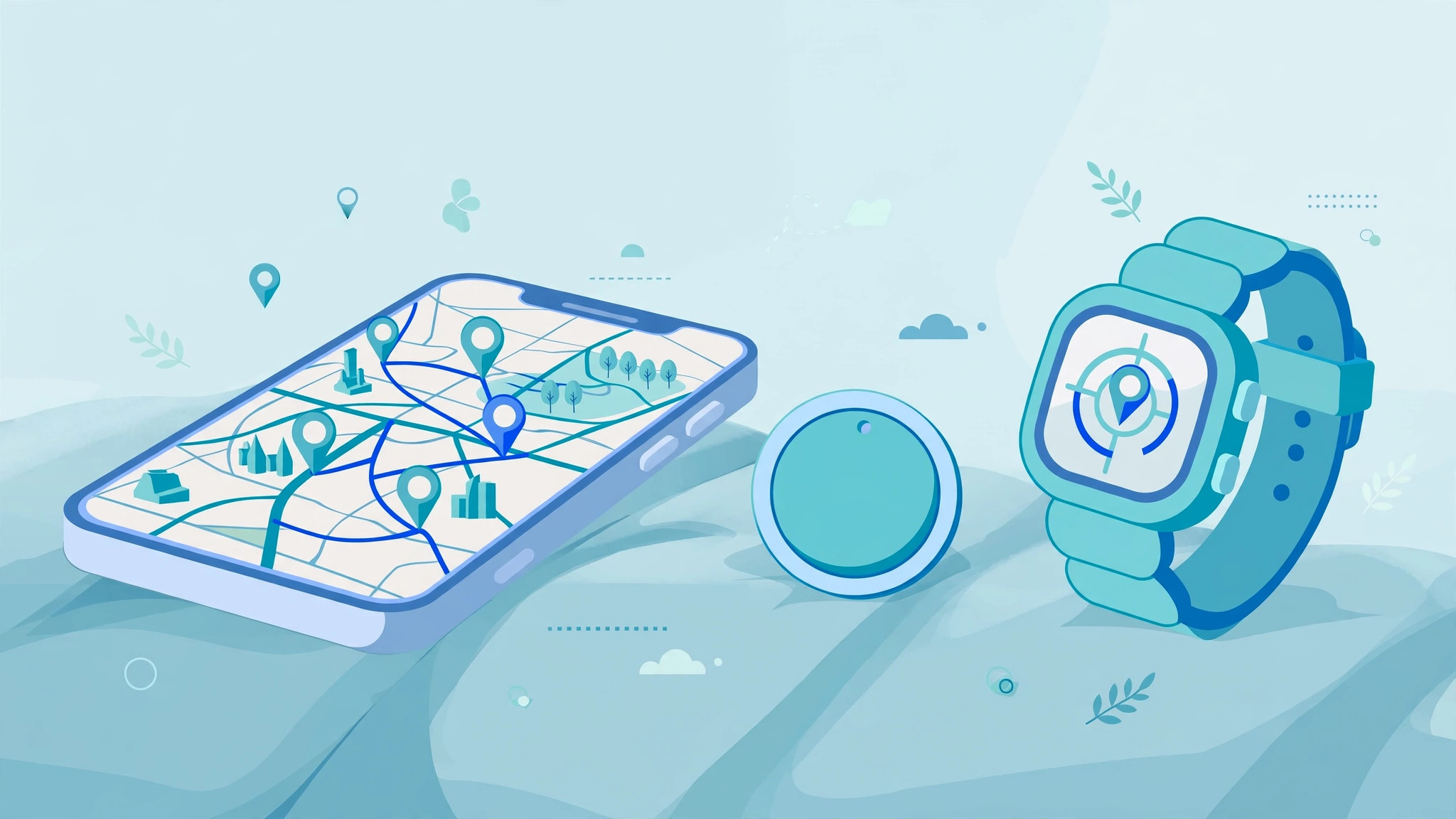
Should you just buy a gadget instead? Here’s the straight answer.
| Phone monitoring app | Apple AirTag | Kids’ GPS tracker (Jiobit/AngelSense) | |
|---|---|---|---|
| What it tracks | Location + messages, apps, calls, web | Location only | Location (+ SOS on some) |
| Needs | App on child’s phone | iPhone nearby network | Cellular plan (some) |
| Real-time map | ✅ | ✅ (via Find My) | ✅ |
| Location history | ✅ 30+ days | ❌ (current only) | ✅ varies |
| Geofencing alerts | ✅ Custom zones | ⚠️ Basic separation alerts | ✅ |
| Works if phone dies | ❌ | ✅ (independent battery) | ✅ |
| Monthly cost | App subscription | None (after ~$29 purchase) | Device + plan |
| Best for | Kids 8+ with phones | Backup / young kids | Young kids, special needs |
The Apple AirTag Reality Check
AirTags are brilliant at finding lost keys and decent as a backup kid-tracker — they piggyback on Apple’s Find My network, so location updates whenever any iPhone passes nearby. But they show current location only: no history, no routes, no “what time did they leave school?” And Apple has deliberately limited AirTags for people-tracking (they beep when separated from the owner’s phone, and iPhones alert unknown AirTags nearby). An AirTag in a backpack is a fine safety net for a 7-year-old; it’s not a monitoring solution for a teenager.
When a Dedicated Tracker Wins
Two cases: kids too young for phones (a GPS watch or Jiobit clipped to clothing just works, no screen-time debates), and special needs (AngelSense’s listening-in and SOS features serve families the app market ignores). For everyone else with a smartphone, the app route gives you 10× the insight for similar money.
How to Set Up GPS Tracking on Your Child’s Phone

Setup takes about 10 minutes. The exact taps vary by app, but the shape is always the same:
- Choose your app and create your parent account. Buy the plan that covers the right number of devices — one per child phone. mSpy and Eyezy both offer multi-device bundles that beat buying twice.
- Install on your child’s Android (physical access needed). Download the APK from the vendor’s link, grant the requested permissions — especially location set to “Allow all the time”, not “only while using the app.” This single setting is responsible for most “tracking stopped working” complaints.
- Or connect an iPhone via iCloud. No jailbreak needed: enter the child’s Apple ID credentials in your dashboard, approve the 2FA prompt once, and location flows from iCloud backups and Find My data. Our iCloud setup guide walks through the 2FA gotchas.
- Exempt the app from battery optimization. On Android: Settings → Apps → your app → Battery → Unrestricted. On Samsung specifically, there are three separate battery settings to clear — our Samsung guide covers all three.
- Verify with a test walk. Take the phone for a 10-minute walk around the block, then check your dashboard. You should see the route. If the pin is stale, recheck step 4 — it’s battery optimization 90% of the time.
- Set your first geofences. Draw a zone around home (generous radius — 200m, not 20m, or you’ll get “left home” alerts when they’re in the backyard) and school. Enable enter + leave alerts.
- Tell your child. Seriously. “I can see your location so I know you’re safe” lands infinitely better than a discovered secret. Our responsible monitoring guide has age-by-age conversation scripts.
Battery & Accuracy: The Honest Gotchas
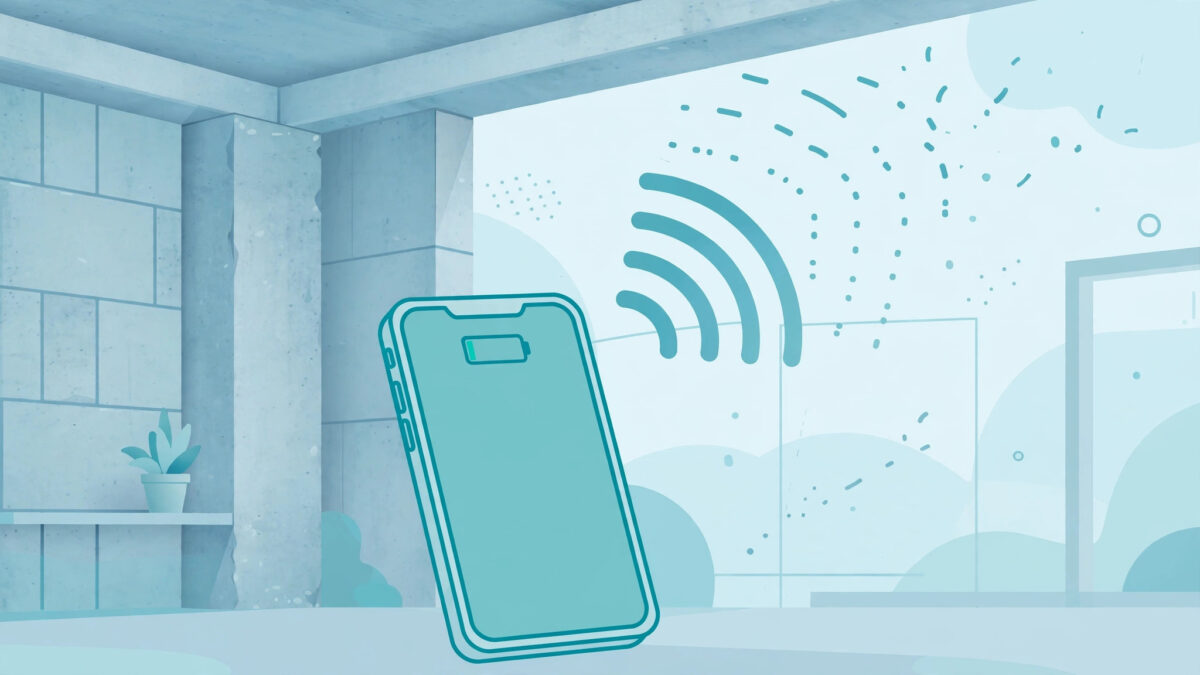
Nobody else in this niche will tell you this plainly, so we will: GPS tracking costs battery, and physics limits accuracy. Here’s what to actually expect.
Battery impact is real but manageable. Continuous location reporting uses roughly 5–10% extra battery per day on modern phones. If your child’s phone is dying by 3pm, the tracker isn’t the main culprit — it’s TikTok. Still, the battery-optimization exemptions in step 4 are non-negotiable; without them, Android will silently throttle the app and your “real-time” map becomes a “sometime-today” map.
Indoor accuracy is approximate. When your teen is inside the mall, expect the pin to wander within a 30–50 meter radius. The app is doing its best with Wi-Fi and cell signals. Don’t confront anyone over a pin that shows the food court instead of the cinema — the margin of error covers both.
Tunnels, basements, and dead zones create gaps. The history timeline will show a straight line between the last signal before the gap and the first after. That’s not a glitch; it’s the app honestly connecting two known points.
“Stale pin” protocol: if the dashboard shows a location older than 30 minutes during waking hours, check (1) is the phone charged and on? (2) is battery saver on? (3) did an OS update reset permissions? In our testing, one of these three explained every stale-pin incident.
Is It Legal to Track Your Child’s Location?
In most jurisdictions, parents and legal guardians may monitor the location of their minor children — it’s widely considered part of parental responsibility, and family-location features are built into iOS and Android themselves. The legal lines that matter:
- Your minor child, your device or family plan: generally fine in the US, UK, EU, and most other regions.
- Another adult’s phone without consent: not fine, generally illegal.
- Employees: regulated separately; don’t repurpose a parental tool for staff.
We’re not lawyers, and laws vary by state and country — our legality guide goes deeper. The ethical line matters as much as the legal one: tracking works best inside a trusting relationship, not as a substitute for one. Tell your kids. Every time.
🧭 Start Tracking in 10 Minutes
mSpy’s setup wizard handles permissions, battery exemptions, and your first geofence in one guided flow — most parents are watching the live map within 10 minutes. 14-day money-back guarantee if it’s not for you.
Frequently Asked Questions
Final Verdict
For most families, a phone-based GPS tracker for kids beats a dedicated gadget: one subscription covers real-time location, 30-day history, and geofencing — plus every other monitoring feature — on a device your child already carries. Our testing put mSpy on top for location depth (live refresh, unlimited geofences, cleanest history view), with Eyezy as the value pick that sacrifices almost nothing on GPS specifically.
Whatever you choose, do the unglamorous parts right: location permission set to “always,” battery optimization exempted, generous geofence radii, and an honest conversation with your child. The technology is the easy part. The trust is the product.
👉 Our #1 Pick: mSpy
Deepest GPS tracking we tested — live map, 30+ day history, unlimited geofences — with a 14-day money-back guarantee. Most parents are set up in 10 minutes.
