What Is Jailbreaking? (2026)
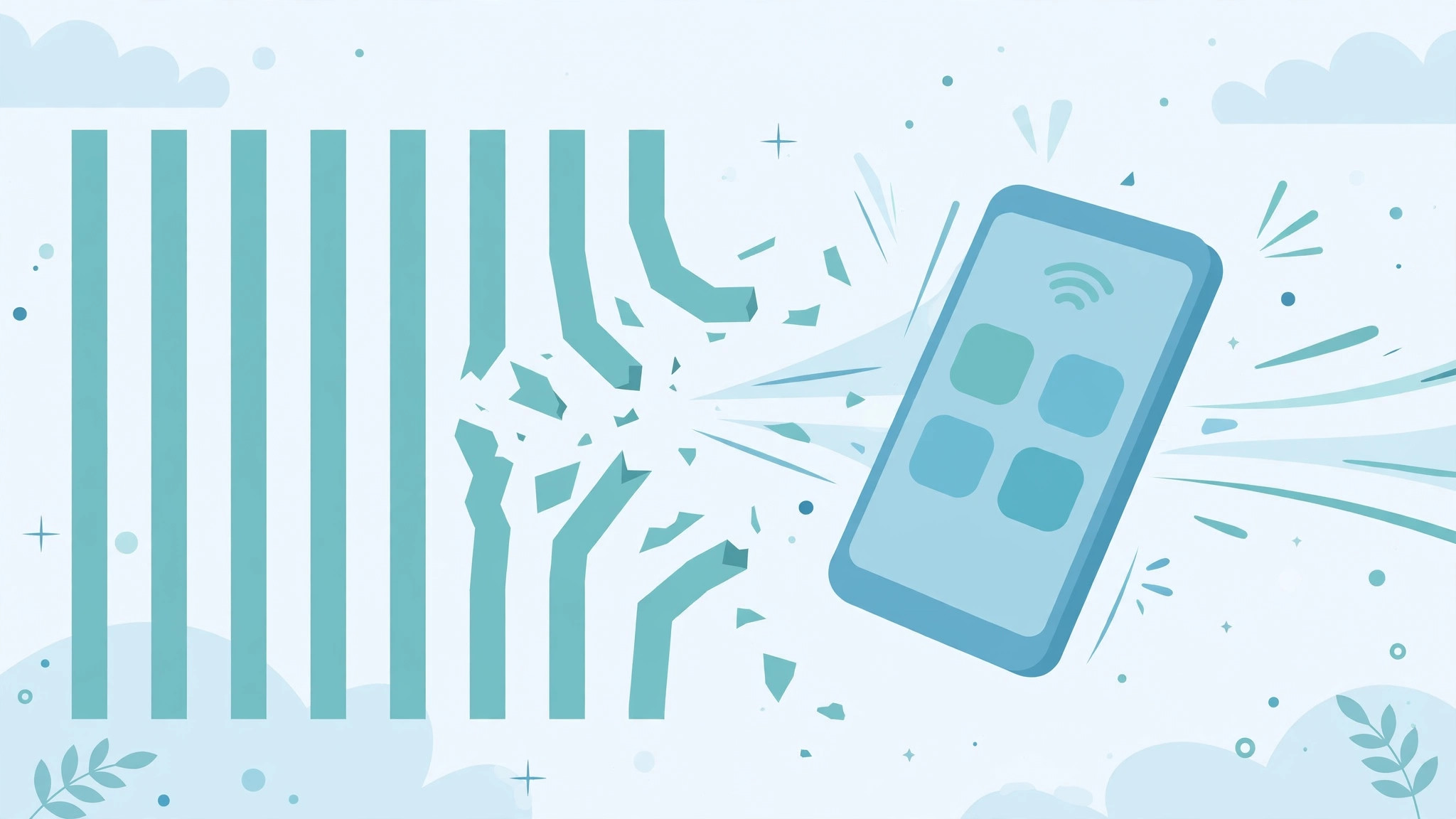
Quick definition: Jailbreaking is the process of removing Apple’s software restrictions on an iPhone or iPad so you can install apps and tweaks Apple doesn’t allow. The name comes from “breaking out of the jail” Apple puts around iOS — the walled garden of the App Store. It gives you root-level access to the phone’s file system, but it also disables key security protections, voids your warranty, and in 2026 is largely unnecessary: modern monitoring apps work on iPhones without any jailbreak, using iCloud instead.
Jailbreaking in Plain Words
Apple sells you an iPhone, but it doesn’t fully give you the keys. Out of the box, your iPhone can only install apps from Apple’s App Store, can’t change core parts of how the system looks and behaves, and keeps every app locked in its own little sandbox where it can’t touch other apps’ data.
Most people never notice these walls. But some people want out. They want to install apps Apple rejected, customize the interface beyond what Settings allows, or — relevant to this site — run monitoring software with deeper access than Apple permits.
Jailbreaking is the escape hatch. It’s a technical procedure (usually running a piece of software on a computer connected to the iPhone) that exploits a vulnerability in iOS to disable those restrictions. After a jailbreak, you can install an alternative app store called Cydia (or its modern successors, like Sileo), load “tweaks” that modify the system itself, and access files and folders Apple normally hides.
Think of it like this: Apple rents you a furnished apartment where you can’t move the walls. Jailbreaking knocks the walls down. You get the whole building — including the wiring and plumbing you’d rather not touch unless you know what you’re doing.
The catch, and it’s a big one: those walls were also keeping intruders out. We’ll get to the risks shortly. But first, the key distinction everyone confuses.
How Jailbreaking Works (The Grade-8 Version)
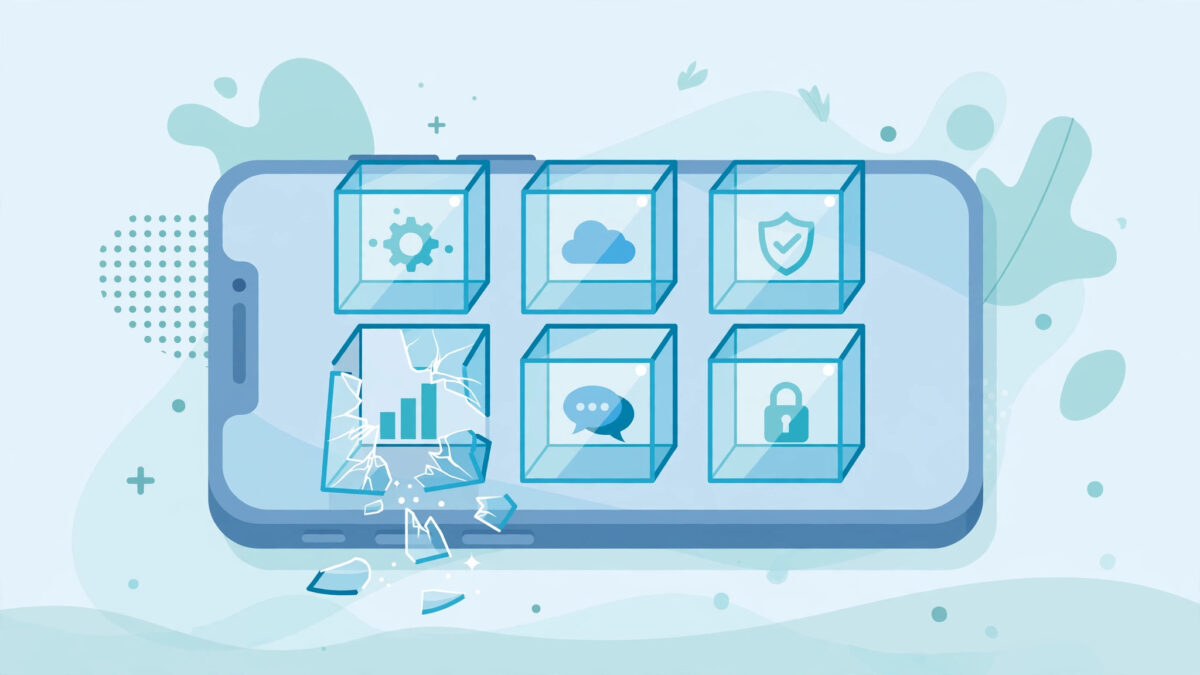
To understand jailbreaking, you need to know one thing about how the iPhone protects itself: every app runs in a sandbox.
A sandbox is a sealed playpen. The Instagram app can access Instagram’s data, the camera (if you allow it), and not much else. It cannot read your text messages, cannot see what other apps are doing, cannot modify system settings. Apple enforces this at the operating-system level, and it’s the single biggest reason iPhones have historically had so little malware: even a malicious app is trapped in its playpen.
Jailbreaking breaks the playpens. Technically, it does three things:
- It exploits a vulnerability. Every jailbreak starts with a bug in iOS — a flaw Apple didn’t know about or hasn’t fixed yet. The jailbreak tool uses that bug to run code with higher privileges than any normal app is allowed. This is why jailbreaks are version-specific: a tool that works on iOS 16.3 might be patched and useless on iOS 16.4. It’s a permanent cat-and-mouse game between jailbreak developers and Apple’s security team.
- It disables signature checks. Normally, iOS refuses to run any code Apple hasn’t cryptographically signed. Jailbreaking switches off that bouncer at the door, so unsigned apps and system modifications can run.
- It installs a package manager. This is the visible part: an alternative app store (historically Cydia, now usually Sileo or Zebra) where you download “tweaks” — small programs that modify iOS itself. Want five icons in your dock instead of four? There’s a tweak. Want to record phone calls at the system level? There’s a tweak. Want a monitoring app that can see everything on the phone? That’s a tweak too — and that’s exactly why jailbreaking mattered so much to the spy-app industry for a decade.
There are two flavors worth knowing:
- Tethered/semi-tethered jailbreaks: the jailbreak disappears every time you reboot the phone, and you have to re-run the tool (sometimes requiring a computer). Annoying, but common with newer iOS versions.
- Untethered jailbreaks: the jailbreak survives reboots. The holy grail. These have become extremely rare on modern iOS because the vulnerabilities they need get patched fast.
One more critical fact: jailbreaking is reversible. Restoring the iPhone through a computer wipes the jailbreak and returns it to stock iOS. The phone isn’t permanently altered. (Whether Apple can tell it was ever jailbroken, for warranty purposes, is a murkier question — covered in the risks section.)
👉 The 2026 Shortcut: No Jailbreak Needed
Here’s the good news this whole guide builds toward: you can monitor an iPhone’s location, messages, and activity today with zero jailbreaking, using iCloud-based setup instead. Eyezy does it from ~$9.99/mo with a 14-day money-back guarantee.
Jailbreak vs. Root: The iPhone/Android Table
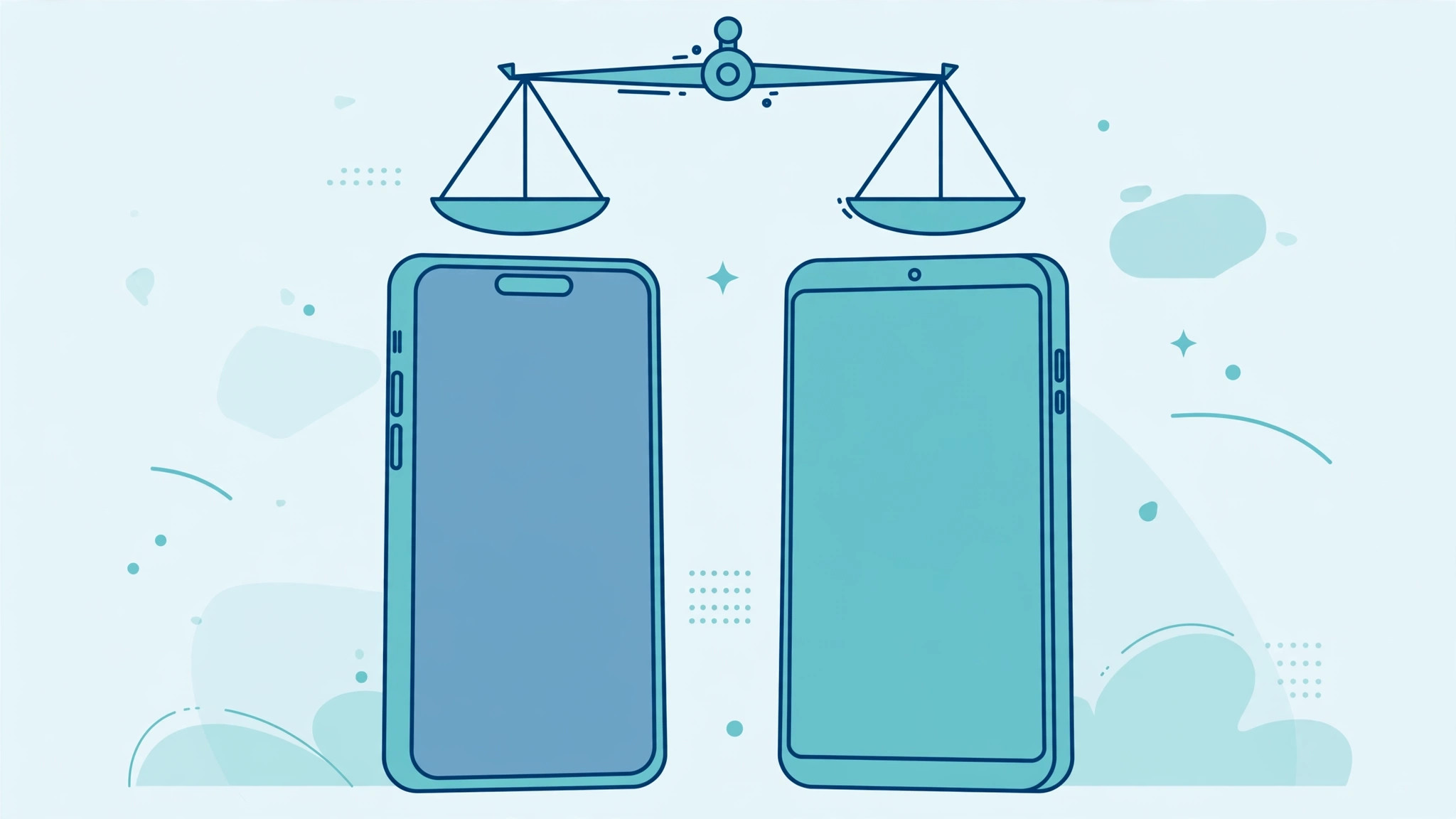
“Jailbreaking” is the iPhone word. Android’s equivalent is called “rooting.” They rhyme conceptually — both remove manufacturer restrictions to give you administrator-level access — but they differ in important ways. Parents researching monitoring apps encounter both terms constantly, so here’s the straight comparison:
| Jailbreak (iPhone/iPad) | Root (Android) | |
|---|---|---|
| What it removes | Apple’s iOS restrictions: App Store-only installs, sandboxing, system lockdown | Manufacturer/carrier restrictions: blocked system areas, pre-installed bloatware limits |
| What you gain | Alternative app stores (Sileo/Cydia), system tweaks, deep monitoring access | Superuser (“root”) permissions, custom ROMs, system-level app control |
| How hard is it in 2026? | Very hard — often impossible on current iOS; tools lag months behind releases, if they appear at all | Moderate — many Android phones can still be rooted, but banking apps and warranties fight back |
| Reversible? | Yes, via a full restore | Yes, usually via unrooting or reflashing |
| Warranty | Apple may deny service on jailbroken devices | Most manufacturers void warranty on rooted devices (some, like Google Pixel, are lenient) |
| Security impact | Severe — disables core iOS protections; malware risk jumps | Significant — but Android was already more open; the jump is smaller |
| Needed for monitoring apps? | No — modern apps use iCloud backup monitoring instead | Mostly no — most features work without root; only advanced features (like some social-media capture) need it |
| Verdict for parents | Don’t do it. The costs dwarf the benefits in 2026 | Usually unnecessary. Only consider it for one specific missing feature, never as a starting point |
The bottom line of the table: both are legacy requirements. A decade ago, serious phone monitoring required a jailbroken iPhone or rooted Android. Today, the industry has engineered around both. Any vendor still telling you a jailbreak is mandatory for basic iPhone monitoring is selling you a 2015 solution.
A Brief History: Why Jailbreaking Mattered (2008–2015) and Why It Faded
To understand why anyone still asks “what is jailbreak iPhone” in 2026, you need the history. It’s actually a great story about how Apple absorbed its critics.
The golden age (2008–2012). The first iPhone had no App Store at all. Jailbreaking was the only way to install third-party apps. Early jailbreakers added copy-and-paste, multitasking, custom wallpapers, and video recording — features Apple later shipped as official iOS updates. At its peak, the Cydia store had millions of users. Jailbreaking wasn’t fringe; it was where iPhone innovation happened first.
The monitoring era (2010–2016). This is the chapter that matters for our readers. Early spy apps needed jailbreaks because iOS gave them no other way to access calls, texts, and location data. The entire first generation of the monitoring industry was built on jailbroken iPhones. If you bought a monitoring app in 2013, the setup instructions started with “first, jailbreak the target phone.” It was normal, expected, and openly documented.
The fade (2016–2022). Three things killed mainstream jailbreaking. First, Apple hired security talent and started patching vulnerabilities within weeks instead of months — jailbreak tools began arriving a year late or never. Second, iOS itself absorbed the most popular jailbreak features (widgets, custom keyboards, dark mode, app libraries), so the reason to jailbreak shrank. Third, and decisively for this niche, monitoring vendors figured out iCloud-based monitoring: instead of breaking into the phone, they read the phone’s iCloud backups — legally, with the account credentials — and extracted messages, locations, photos, and call logs without touching the device at all.
The iOS 17/18 reality (2023–2026). As of 2026, jailbreaking a current iPhone running the latest iOS is somewhere between extremely difficult and impossible for ordinary users. The few tools that exist support older versions, require a computer, often don’t survive reboots, and break with every iOS update. Apple now pays up to $2 million in bug bounties for the kind of vulnerabilities jailbreaks need — the financial incentive to report flaws dwarfs the incentive to release free jailbreak tools. The cat-and-mouse game is effectively over, and the mouse won by buying the cat.
The search term “what is jailbreak iPhone” survives mostly as a ghost: parents find decade-old forum posts and YouTube tutorials insisting a jailbreak is required, and they arrive confused. If that’s you — welcome, and the short answer is: whatever those old posts say, you almost certainly don’t need to jailbreak anything in 2026.
The Risks of Jailbreaking (Read This Before You Consider It)
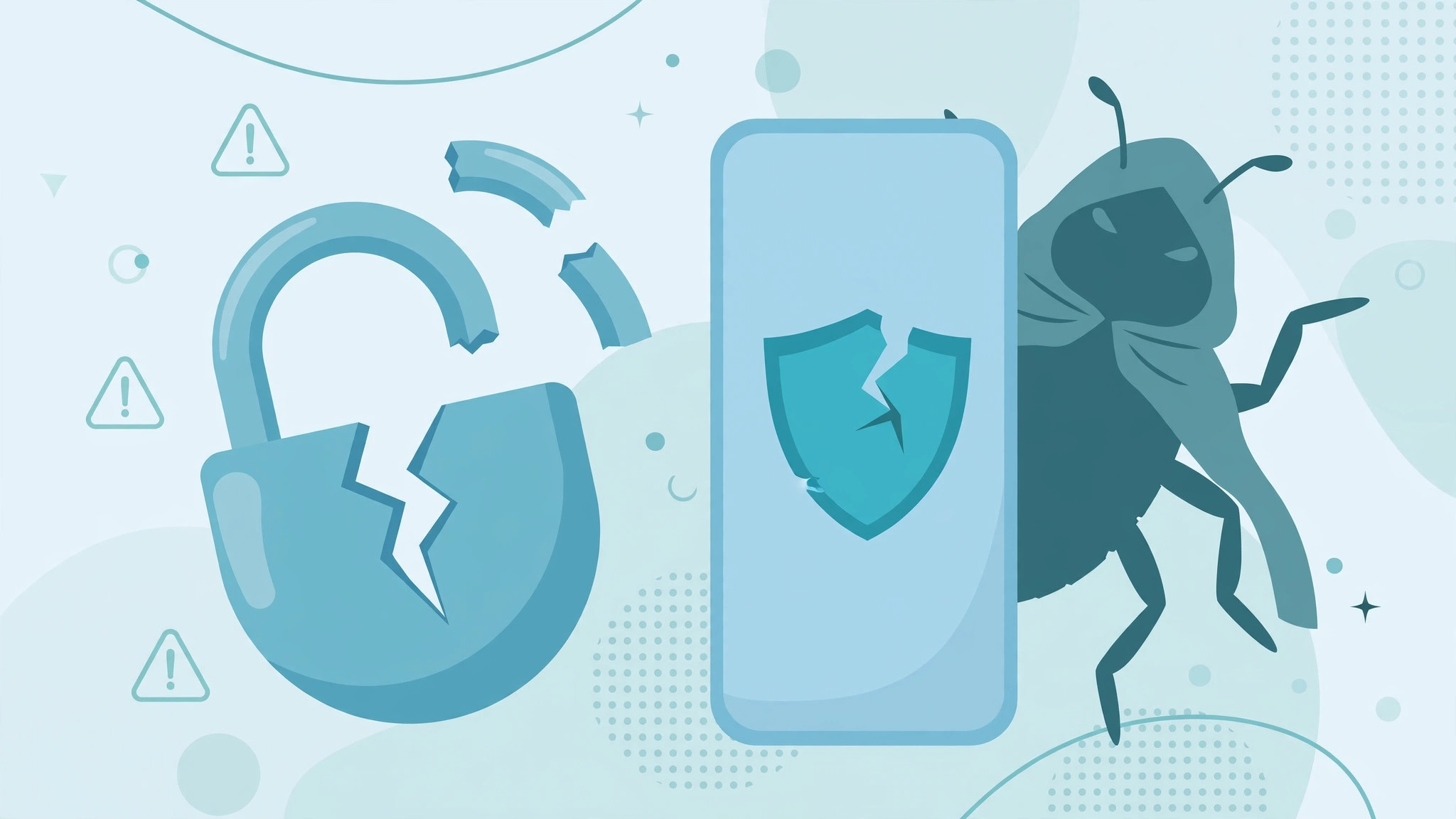
Jailbreaking guides from 2014 made it sound like a fun weekend project. In 2026, on a phone your child carries to school, the risk ledger looks very different. Here’s each risk, honestly stated.
Security Holes: You Disabled the Locks
The iOS sandbox isn’t decoration — it’s the reason iPhone malware is rare. Jailbreaking deliberately punches holes in it. A jailbroken phone will run code Apple never reviewed, from developers Apple never vetted, distributed through stores Apple doesn’t moderate. Malware on jailbroken iPhones isn’t theoretical; there have been real-world campaigns (one well-documented incident infected hundreds of thousands of jailbroken devices through a malicious repository).
For a parent’s threat model, this is the big one. You’re considering jailbreaking to protect your child — but the act itself makes their phone meaningfully easier to compromise. That’s a paradox worth sitting with.
Instability: Random Crashes and Battery Drain
Tweaks modify the operating system while it’s running. Poorly written ones — and many are hobbyist projects — cause the classic jailbreak symptoms: random resprings (the screen goes black and reloads), apps crashing, the phone running hot, battery life dropping 20–30%. On a child’s phone, “my phone keeps crashing” quickly becomes “I need a new phone,” and you’ve spent money to create the problem.
Warranty and Apple Service
Apple’s official position: jailbreaking violates the iOS end-user agreement, and Apple may deny warranty service for a jailbroken device. In practice, restoring the phone to factory settings before taking it to Apple usually erases the evidence — but “usually” is doing heavy lifting in that sentence. If the phone is dead and can’t be restored, you’re handing Apple a jailbroken corpse and hoping for goodwill. On a $800+ device your teen carries daily, that’s a gamble.
Banking Apps, School Apps, and Detection
Many apps now detect jailbreaks and refuse to run — banking apps, payment apps, some school and workplace apps, even games like Pokémon GO. They do this because a jailbroken phone can’t guarantee the app’s own security. Your teen’s banking app locking them out “for security reasons” is a common, annoying consequence nobody mentions in jailbreak tutorials. There are tweaks that hide the jailbreak from detection, which starts an arms race you’re now responsible for maintaining through every app update.
Update Paralysis
Here’s the trap: every iOS update patches the vulnerability your jailbreak depends on. So you stop updating. Within months, you’re running an iOS version with publicly known, unpatched security flaws — the exact flaws Apple fixed for everyone else. You traded a theoretical restriction for a concrete vulnerability, permanently, until you give up the jailbreak entirely. In 2026, running outdated iOS is one of the riskiest things a phone owner can do.
Jailbreaking and Monitoring Apps: Why the Industry Moved On
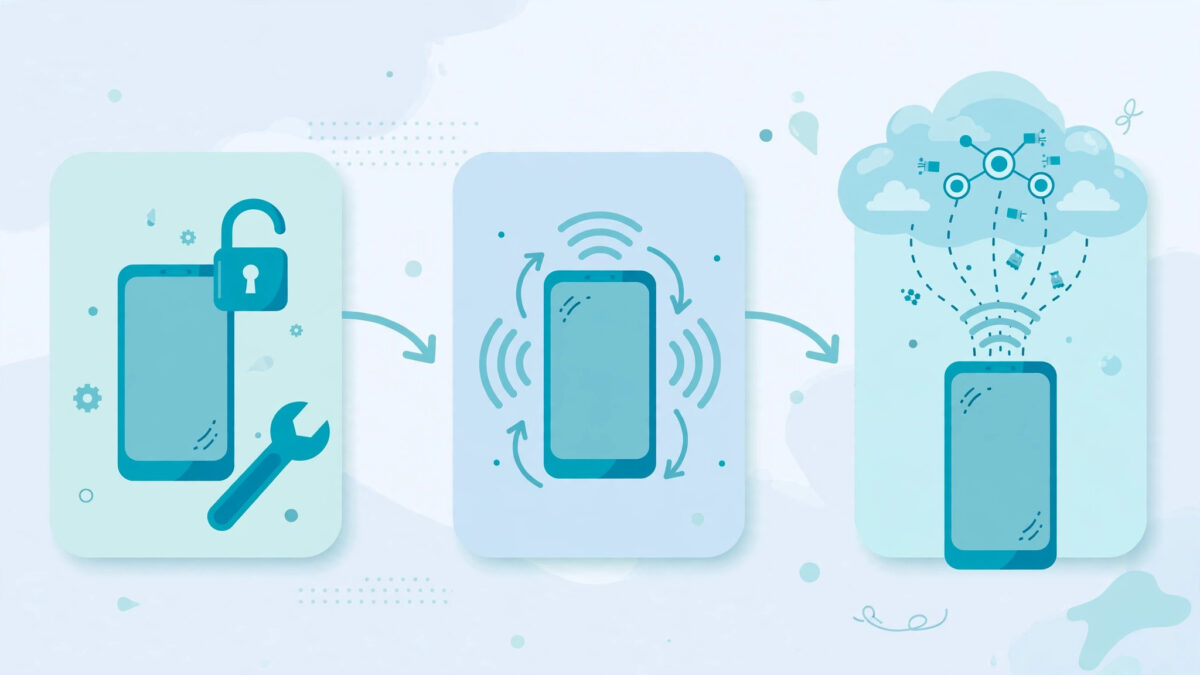
This is the section most of our readers actually came for. Let’s trace exactly how monitoring apps escaped the jailbreak requirement, because understanding the how tells you what today’s no-jailbreak methods can and can’t do.
Phase 1: Jailbreak-required (roughly 2010–2016). The app installed directly on the iPhone as a system-level tweak. It could see everything — calls, texts, WhatsApp, location, keystrokes — because it was part of the system. Powerful, but it required physical access to the phone, a compatible iOS version, and accepting every risk listed above.
Phase 2: iCloud monitoring (2016–present). Vendors realized Apple’s own backup system was a goldmine. Every iPhone can back up to iCloud: messages, call logs, contacts, photos, location history, WhatsApp data, browsing history. With the Apple ID credentials (which parents of minor children legitimately have), a monitoring service can pull that backup data and display it on a dashboard — no software installed on the iPhone at all, no jailbreak, nothing to hide or maintain.
This is how modern iPhone monitoring works. You enter the iCloud credentials once, handle Apple’s two-factor authentication prompt (it arrives on a trusted device — another reason this works best for parents of younger kids), and the dashboard starts populating. When the phone backs up (nightly, on Wi-Fi), new data flows in.
What iCloud monitoring can’t do — honesty matters here: it can’t show real-time screen activity, can’t capture keystrokes as they happen, and data arrives on the backup schedule (hours of delay, not seconds). It’s monitoring with a time lag. For most parenting purposes — checking messages, reviewing location history, seeing photos — the lag doesn’t matter. For “I need to know what they’re typing right now,” it does.
Phase 3: Where things stand in 2026. The reputable vendors have settled into a clear split:
- iPhone: iCloud-based, no jailbreak, no installation. This is the default every major vendor recommends.
- Android: a small app installed directly on the phone (with physical access, once). No root needed for the core features — location, messages, calls, browsing. Root is only relevant for a handful of advanced extras.
Any tutorial, forum post, or competitor article still presenting jailbreaking as step one of iPhone monitoring is describing a world that ended around 2017. The vendors moved on because customers demanded it: parents didn’t want to hack their kids’ phones, fight update paralysis, and re-jailbreak every iOS release. iCloud monitoring won on convenience, and convenience won the market.
👉 Try iPhone Monitoring Without the Hack: mSpy Trial
Skeptical that no-jailbreak monitoring actually works? That’s exactly what the trial is for. Enter iCloud credentials, pass the 2FA prompt, and see your dashboard populate — no software on the iPhone, no warranty risk, no weekend project.
Jailbreak Myths, Busted
Because this topic is surrounded by decade-old misinformation, let’s clear the fog directly.
Myth 1: “Jailbreaking is illegal.” Mostly false. In the US, the Library of Congress has repeatedly granted DMCA exemptions for jailbreaking phones you own. It’s a warranty and terms-of-service issue, not a criminal one. (Using a jailbreak to pirate paid apps is illegal — but that’s piracy, not jailbreaking.) The legal risk was never the point; the security and practicality risks are.
Myth 2: “You need to jailbreak an iPhone to monitor it.” False since ~2017, as detailed above. iCloud-based monitoring replaced it. If a vendor’s setup guide still starts with jailbreaking, that vendor hasn’t updated their technology in nearly a decade — consider what that says about the rest of their product.
Myth 3: “Jailbreaking makes your iPhone like an Android.” No. It removes Apple’s restrictions, but you still can’t install Android apps, still can’t sideload most App Store apps freely, and the underlying system remains iOS with iOS’s architecture. What you get is a less-restricted iPhone, not a different phone.
Myth 4: “Apple can’t tell if you jailbroke and restored.” Uncertain — and “uncertain” is the honest answer. A clean restore removes all visible traces, and countless people have received warranty service after restoring. But Apple can see diagnostic logs and crash reports that may reference the jailbreak period, and their technicians have discretion. Don’t jailbreak a phone you’re planning to take to the Genius Bar next week.
Myth 5: “No-jailbreak monitoring sees everything a jailbreak did.” Also false — in the other direction. iCloud monitoring has real gaps (no real-time keystrokes, backup-schedule delays, no visibility into some app-internal data). The honest pitch isn’t “you lose nothing.” It’s “you lose some edge-case capabilities and gain enormity in reliability, legality, and not having to hack your child’s phone.” For 95% of parents, that’s a trade worth making.
Do You Need to Jailbreak in 2026? The Honest Verdict
Here’s our decision framework — the original piece of this guide we most want you to take away. Run through it in order; stop at the first answer that fits.
1. Are you a parent wanting to monitor your child’s iPhone? No jailbreak needed. Use iCloud-based monitoring. It’s the vendor-recommended method, it’s reversible (revoke access anytime), and it doesn’t touch the phone. This covers the overwhelming majority of our readers. Stop here.
2. Are you a developer or security researcher? You already know what a jailbreak is and don’t need this guide. (But thanks for reading.)
3. Do you want iPhone customization Apple doesn’t allow? Weigh it honestly: the customization scene in 2026 is a shadow of 2012. Most of what people jailbroke for — widgets, custom keyboards, dark mode, control-center tweaks — is now built into iOS. What’s left is niche enough that the security cost rarely justifies it on a daily-driver phone. If you must experiment, use an old spare device, never your primary phone and never your child’s.
4. Did some website tell you a jailbreak is required for a specific monitoring feature? Check the date on that page. If it’s pre-2020, it’s obsolete. If it’s current and still demanding a jailbreak, that’s a red flag about the vendor, not a requirement of the technology. The reputable brands in our reviews hub all offer no-jailbreak iPhone paths.
5. Are you trying to bypass Apple’s restrictions to install pirated apps? We can’t help with that, and neither can a clear conscience. Moving on.
The 2026 verdict in one line: jailbreaking is a historical curiosity and a specialist tool, not a parenting tool. The industry built a better bridge (iCloud monitoring), Apple burned the old one (by patching relentlessly), and parents are better off for it. The only people who should still think about jailbreaking are hobbyists with spare devices and researchers with lab phones — and they weren’t searching “what is jailbreak iPhone” to begin with.
Related Terms
Jailbreaking sits at the intersection of iPhone control and monitoring methods. These are the concepts you’ll meet next:
- What is a keylogger? — one of the features old jailbreak-based spy apps used the jailbreak for: recording keystrokes at the system level. Modern no-jailbreak methods capture much of this through backups instead.
- What is stealth mode? — how monitoring apps stay discreet on a device. On iPhones monitored via iCloud, there’s nothing installed at all — stealth is structural, not hidden software.
- What is geofencing? — location safe-zones and arrival alerts, which work fully without any jailbreak on both iPhone and Android.
- iPhone jailbreak explained: the full guide — our complete deep-dive: the history in detail, iOS-version specifics, and step-by-step context for the curious.
- Monitoring glossary: all terms explained — the full S10 glossary hub with every term we define.
For iPhone parents specifically, the practical next read after this definition is our iPhone monitoring hub — setup methods, iCloud walkthroughs, and Screen Time as a free alternative.
The Legal and Ethical One-Liner
Jailbreaking a phone you own is legal in the US under DMCA exemptions (it’s a warranty matter, not a criminal one). Monitoring your own minor child’s iPhone — via iCloud credentials you legitimately hold — is legal in the US, UK, EU, and most jurisdictions. What’s not legal: accessing someone else’s iCloud account without permission, or monitoring another adult’s device without consent. Own the device or have the right to manage it; get consent from anyone else.
Frequently Asked Questions
Final Verdict
Jailbreaking was once the only door into the iPhone’s deeper capabilities — for customization, for innovation, and for a whole generation of monitoring apps. That era ended. Apple sealed the doors, absorbed the best ideas, and the monitoring industry built a better path through iCloud that doesn’t require touching the phone at all.
If you arrived here because an old tutorial told you a jailbreak was step one of monitoring your child’s iPhone, you can let that worry go. The 2026 answer is simpler, safer, and reversible: iCloud-based monitoring, no hacks, no voided warranties, no weekend projects. That’s the verdict — and it’s good news.
👉 Monitor iPhone Without Jailbreaking: Eyezy
iCloud-based setup, no software on the iPhone, no warranty risk — location, messages, and web activity from ~$9.99/mo annually, backed by a 14-day money-back guarantee. Confirm live pricing at checkout.
👉 Still Deciding? Try mSpy First
Test the no-jailbreak method on your own child’s iPhone before committing: iCloud credentials, one 2FA prompt, and your dashboard starts filling. The trial lets you verify it works on your setup.
Affiliate disclosure: iSpyer is reader-supported. When you buy through links on this page, we may earn a commission at no extra cost to you. Our definitions are written independently — no commission changes what a term means, and we’d tell you the same “you don’t need this” verdict either way.
